What it does
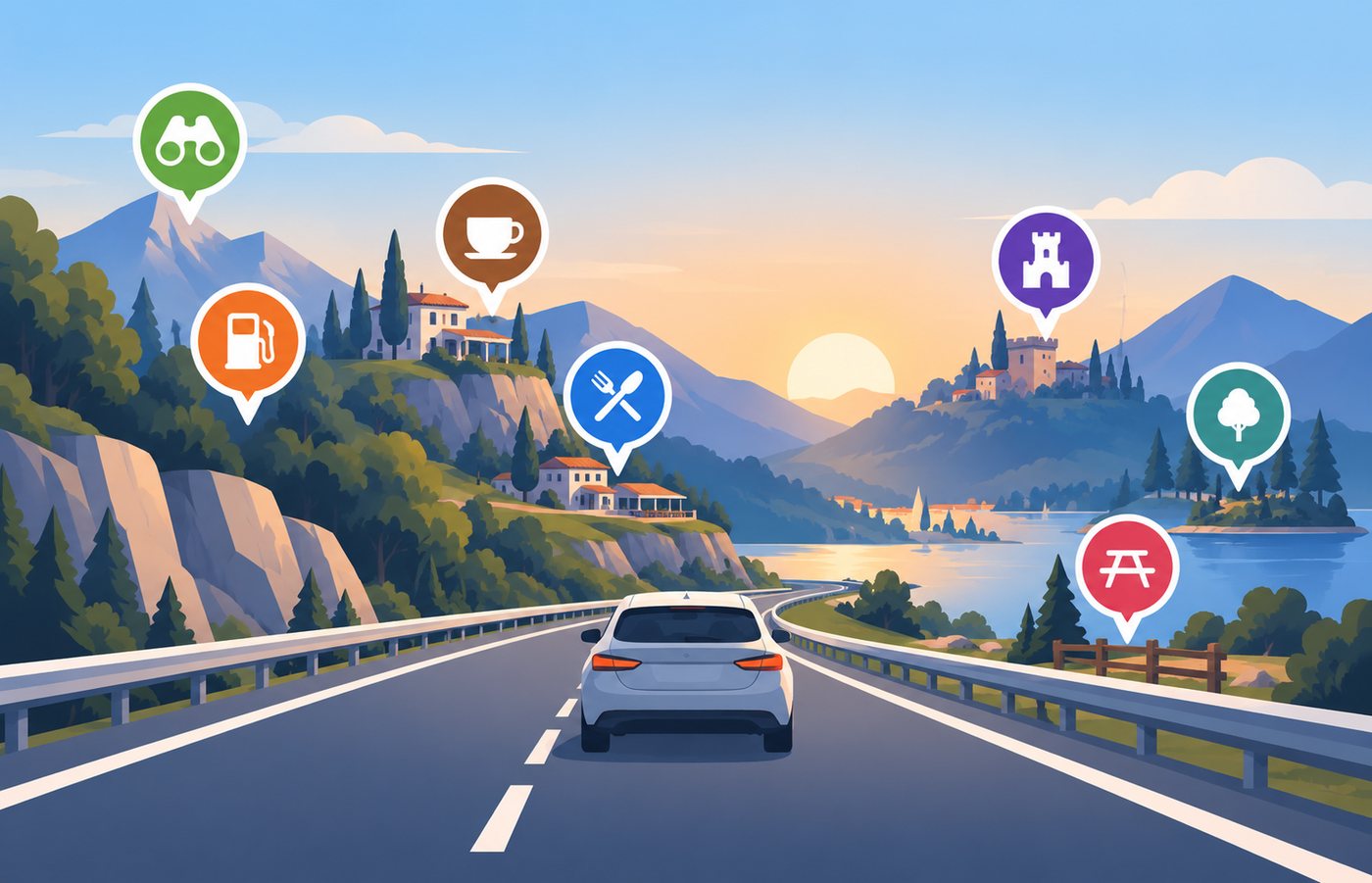
Fuel, a rest area, a fortress on the hill
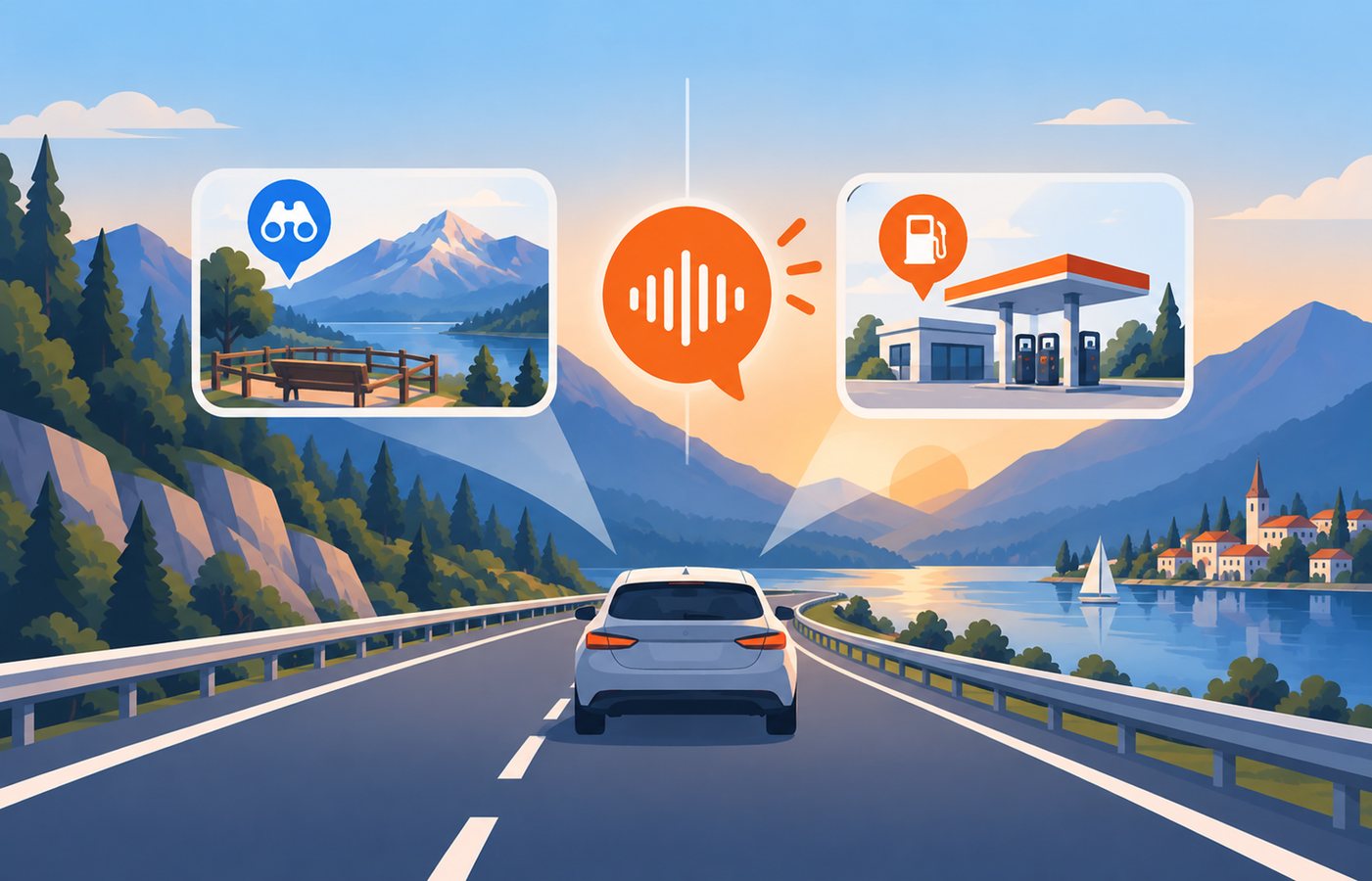
It watches the road ahead and mentions what is worth knowing about — and tells you how far past the next station the one after it is, which is the number that decides whether you stop.
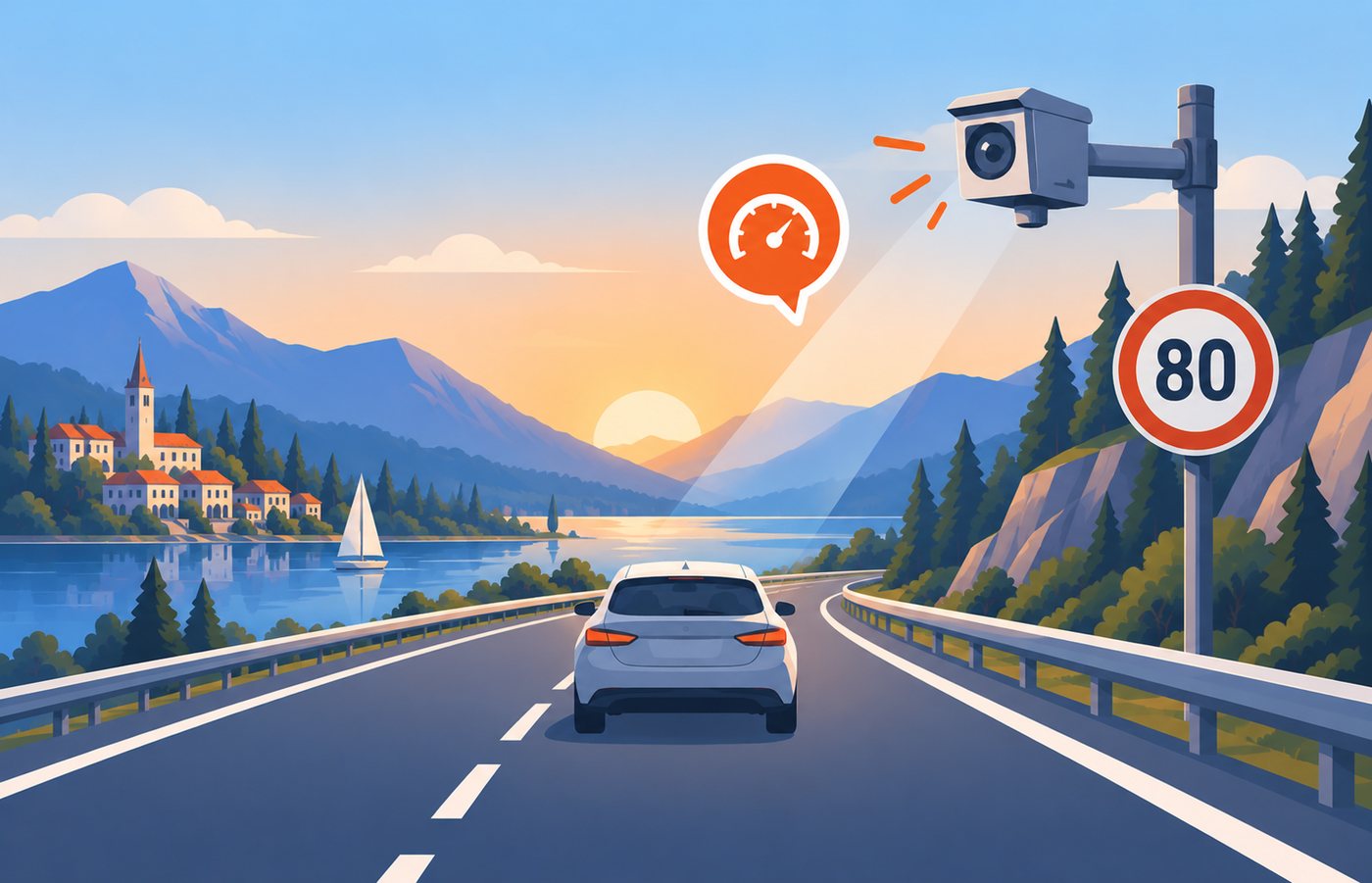
Speed, average speed, red light, tolls
Warnings for the cameras that can fine you, on the carriageway you are actually on. Where the law says an app must stay quiet about them, it stays quiet.
Something to look at, and why
A sentence about the place you are passing, from Wikipedia. Ask for the rest and it reads it out; the card has the whole opening and a link to the article.
Made to be glanced at
The next turn, a map that turns with the road, and the drive on the Dynamic Island, so the answer is there without unlocking anything.
Starts and ends by itself
Connect to the car and the drive begins; leave it and the drive ends and the parking spot is saved. Ask Siri for the rest: “Road4Me to Split.”
You choose what earns a word
Everything is on the screen; only what you pick is spoken. Petrol stations and toilets rarely need saying out loud, so they don't.
What it is not
It is not a navigator, and it does not want to be one. Your navigation app keeps the turns, the traffic and the lane guidance; Road4Me keeps the road itself — what is on it, and what is about to be.
It can show the next turn on its own screen, silently, for the stretches when nothing else is guiding. Saying them out loud is a switch you have to find and turn on, because two voices calling turns in one car is the thing this app is arranged to avoid.
On the phone


On the road